Laidout

How to do things in Laidout

Here’s a bunch of tutorials and demos for how to use various tools in Laidout.

See also this feature overview.
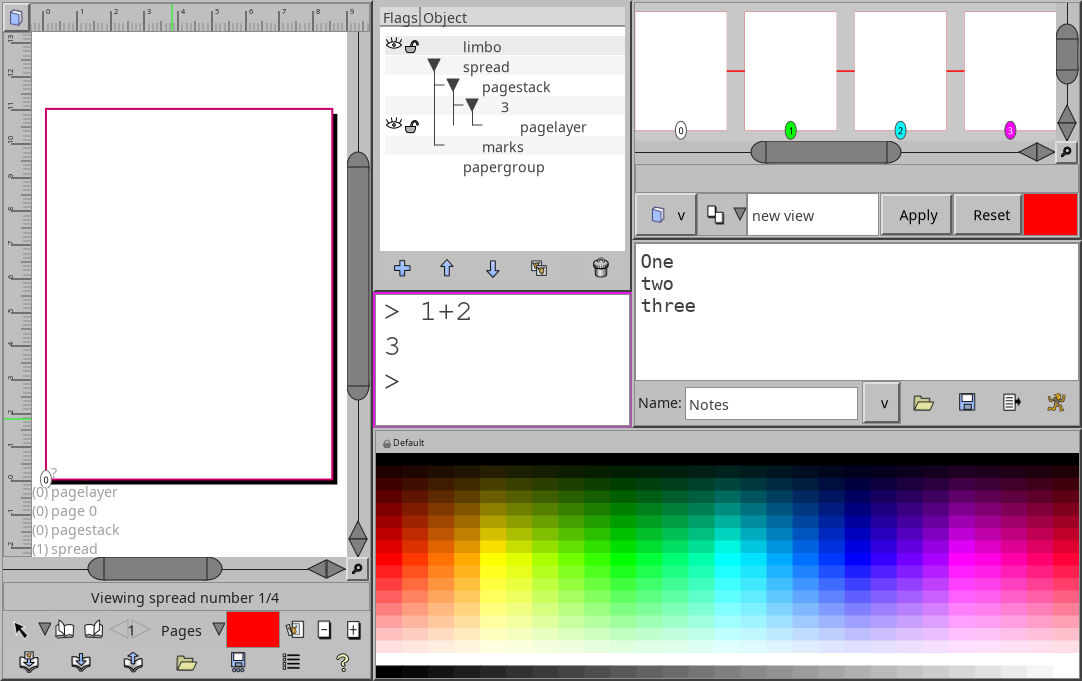


Screenshot of Laidout windows
Getting around

A quick overview of how windows are laid out.
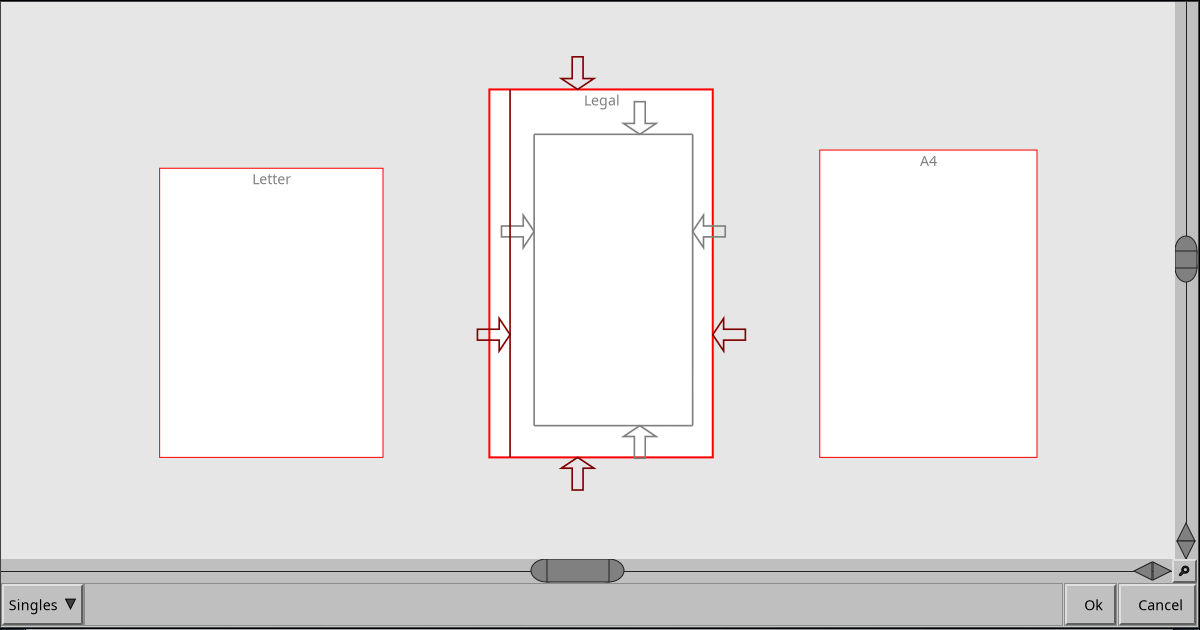
Screenshot showing a Singles imposition
Singles

Collections of Single pages

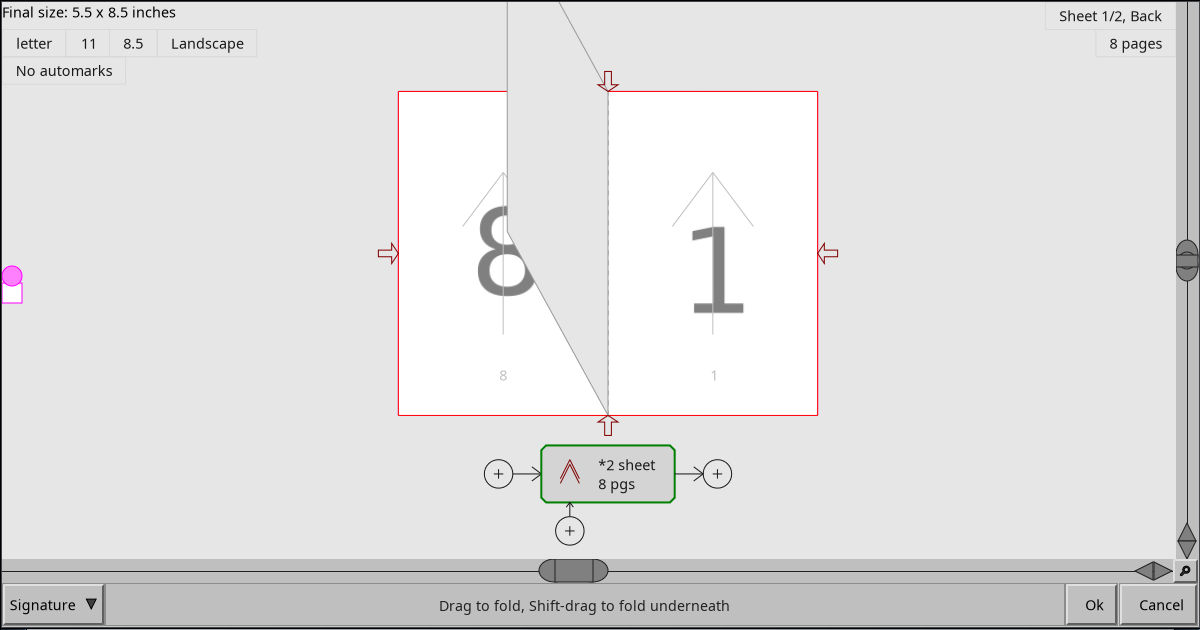
Screetshot showing a signature in mid unwrap
Signatures

Signatures for book making

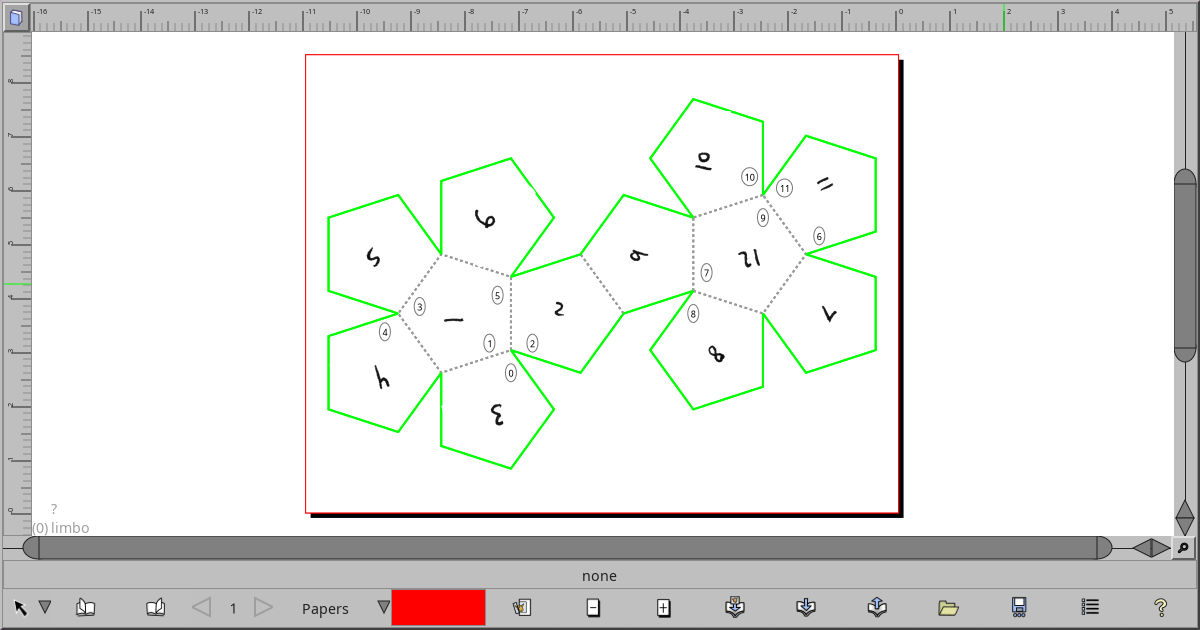
Screenshot showing an unwrapped dodecahedron
Nets

Net/3D-Model based imposition

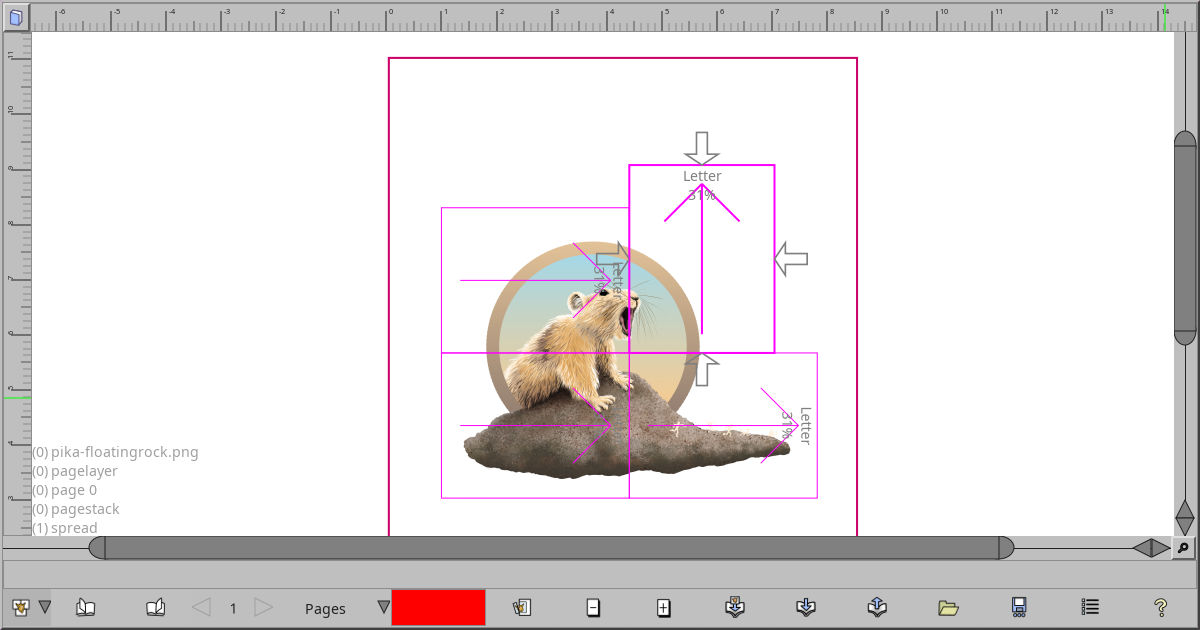
Using several papers to cover a single image
Paper Tiler

Custom groups of papers

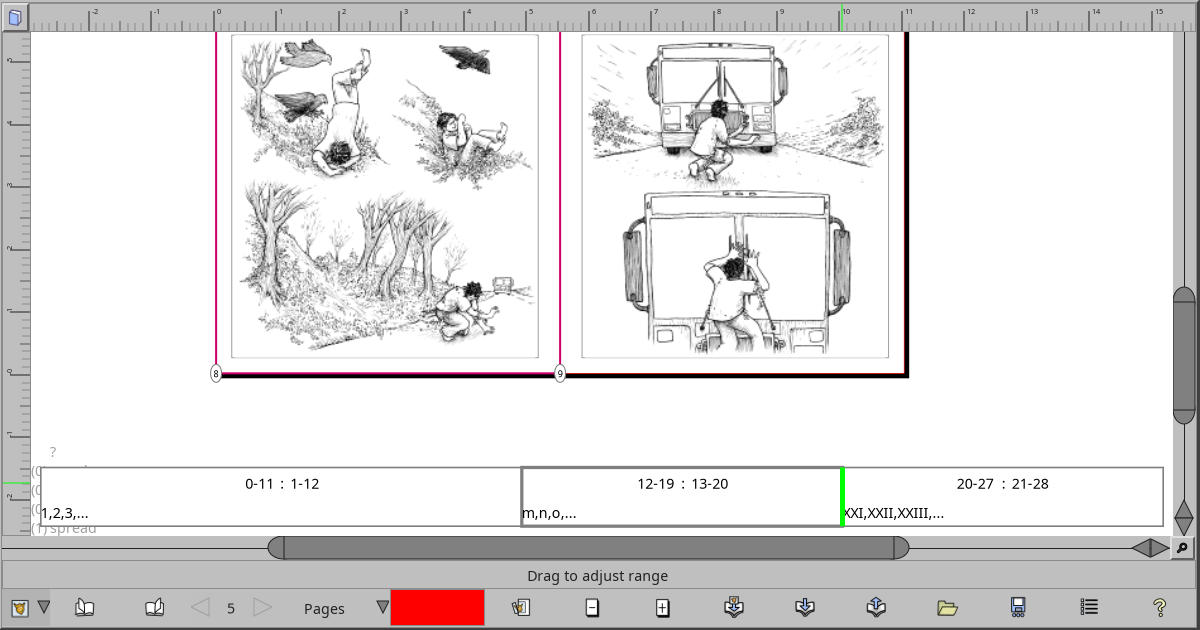
Screenshot showing the Page Range bar, 3 segments with each having a different page label type.
Page Range Tool

Configuring page labels

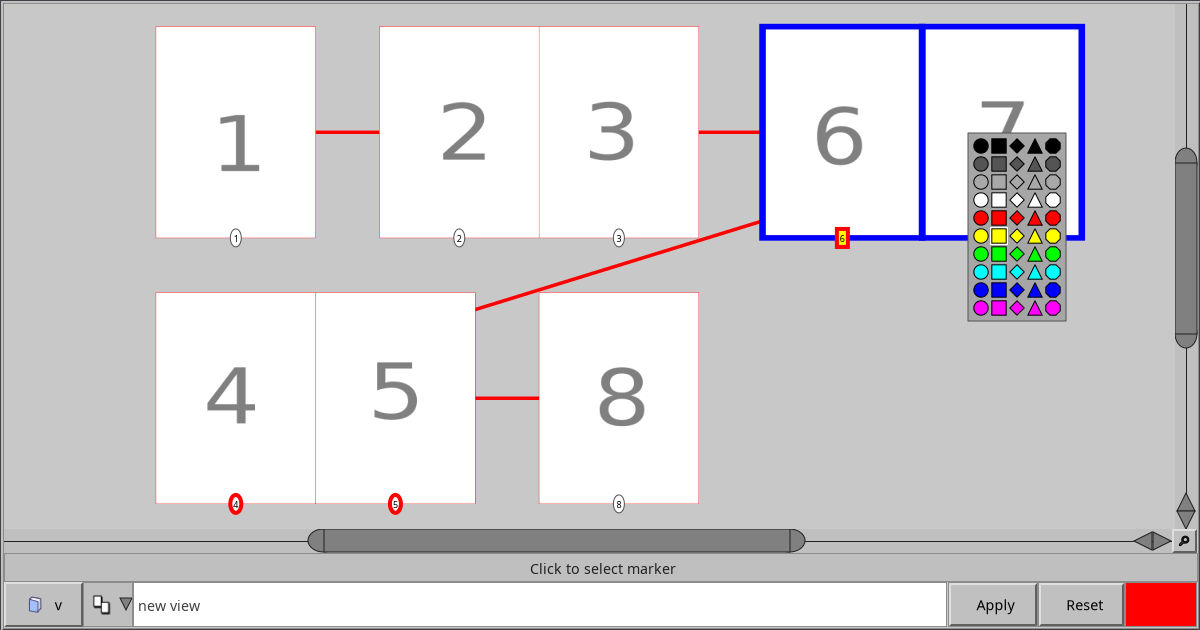
Screenshot showing a bunch of pages in the Spread Editor
Spread Editor

Rearrange page order

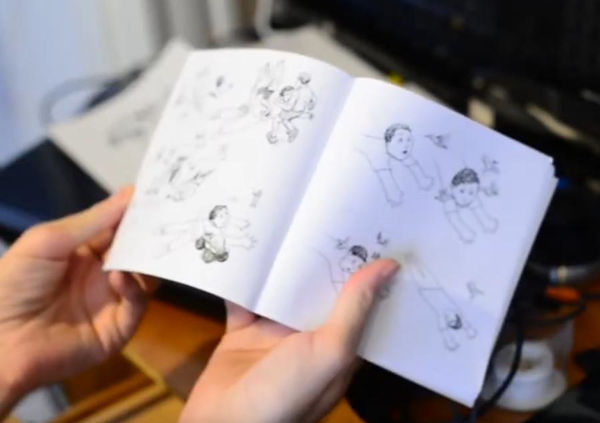
Midway through the booklet layout process.
How to make booklets

A demonstration from start to finish of using Laidout to make a minicomic in booklet form.
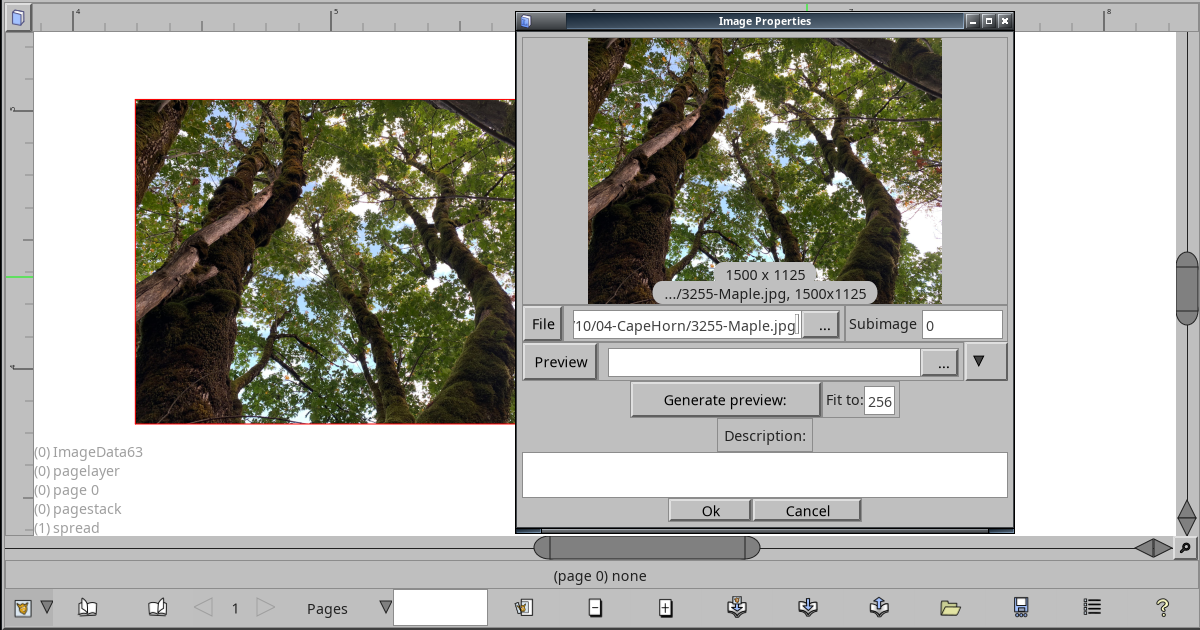
Screenshot showing an image object with the Image Info dialog
Images

Importing and using images

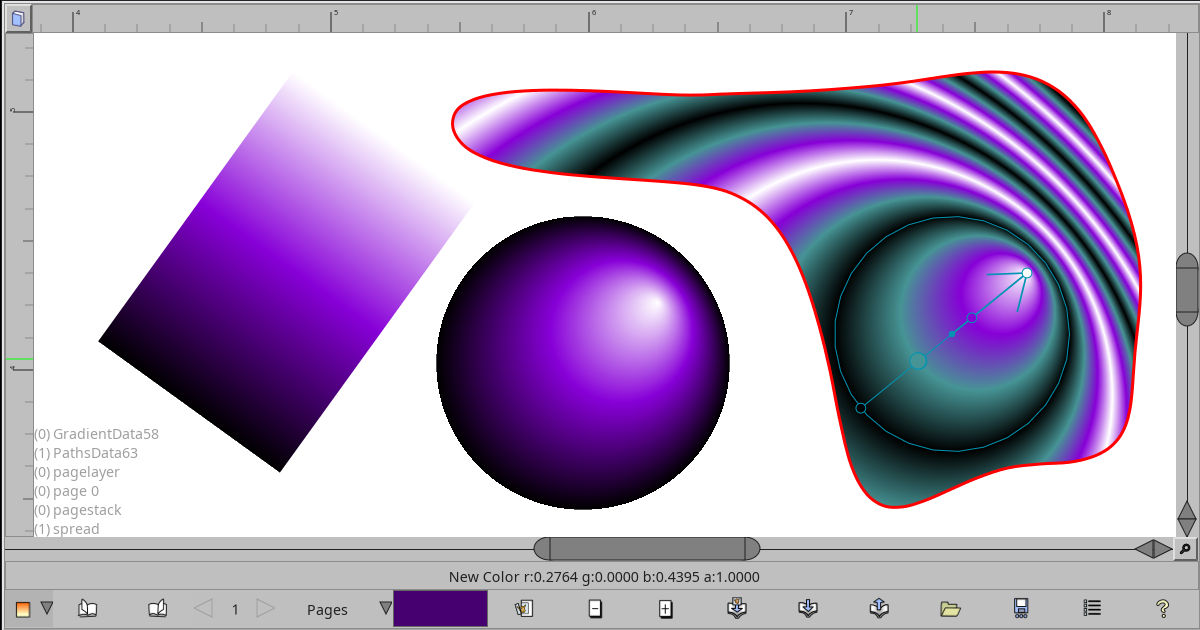
Screen shot showing linear, radial, and repeating radial gradients
Gradients

Linear and radial gradients

Path Tool
Paths

Path into the future

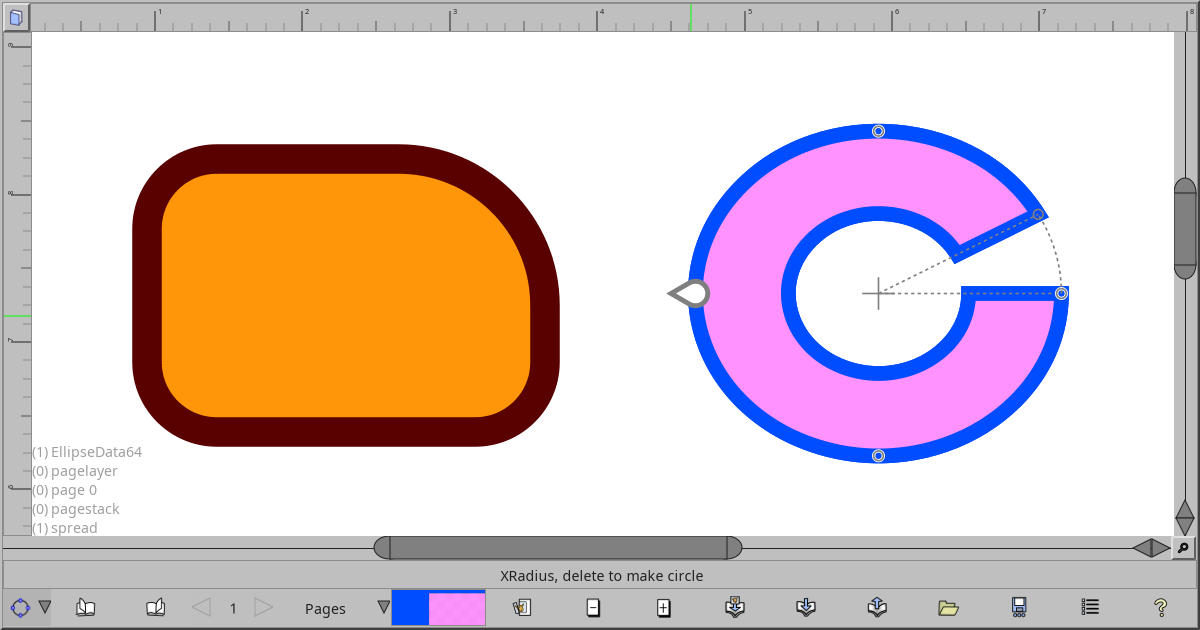
Ellipse Tool
Rectangles and ellipses...

Ellipses, pie slices, rings. And rounded rectangles.
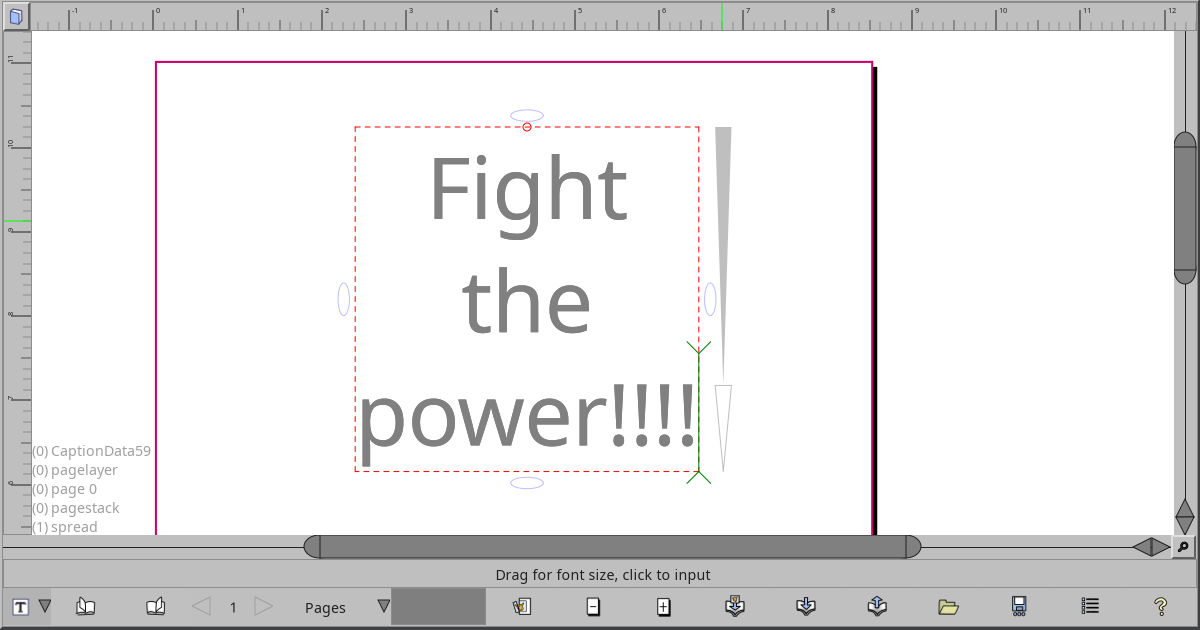
Three lines of text that says "Fight the power!!!!"
Caption Text

Simple text box

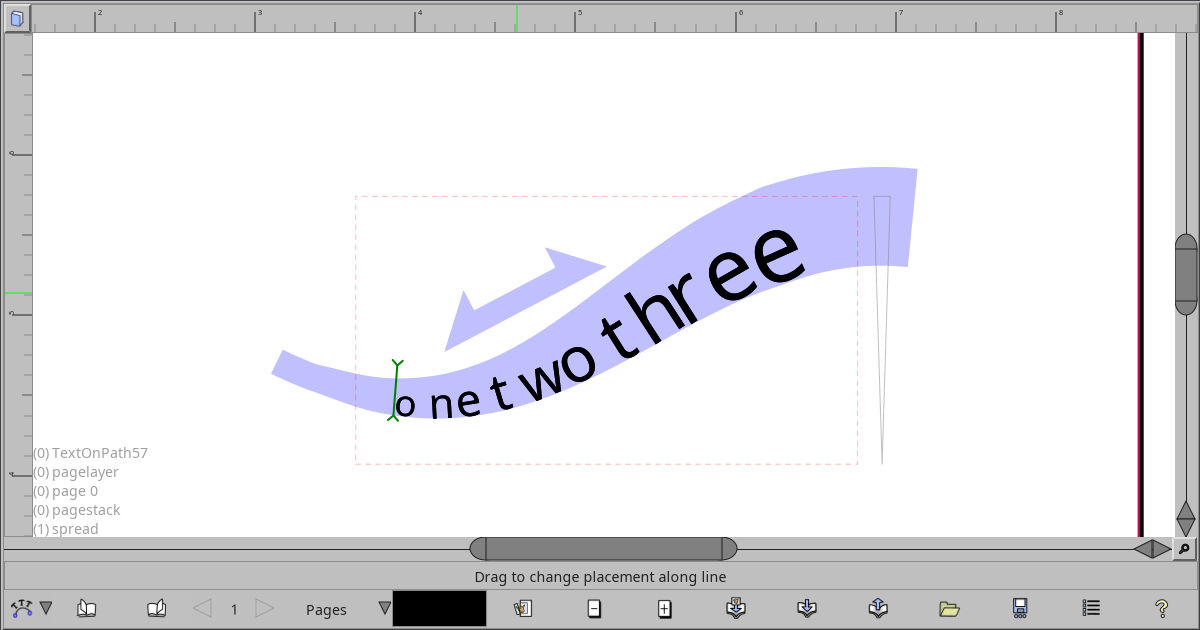
Screenshot showing some text wrapped along a path
Text on Path

Make text follow a path in various ways
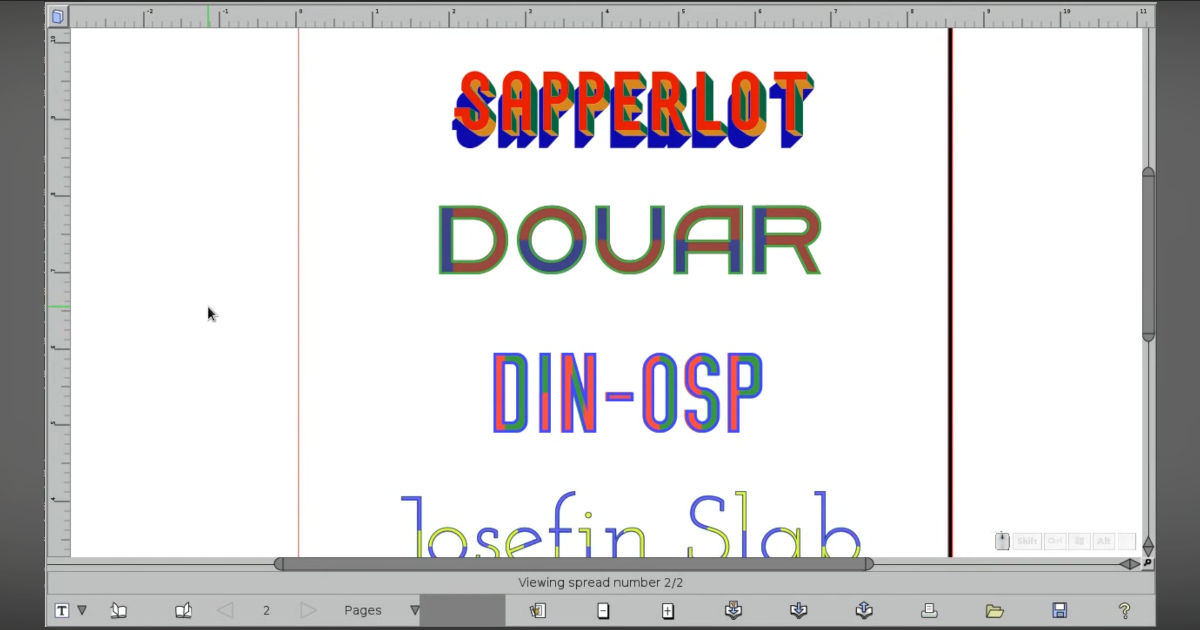
Screenshot showing a few layered color fonts
Color Fonts

Support for font color layers

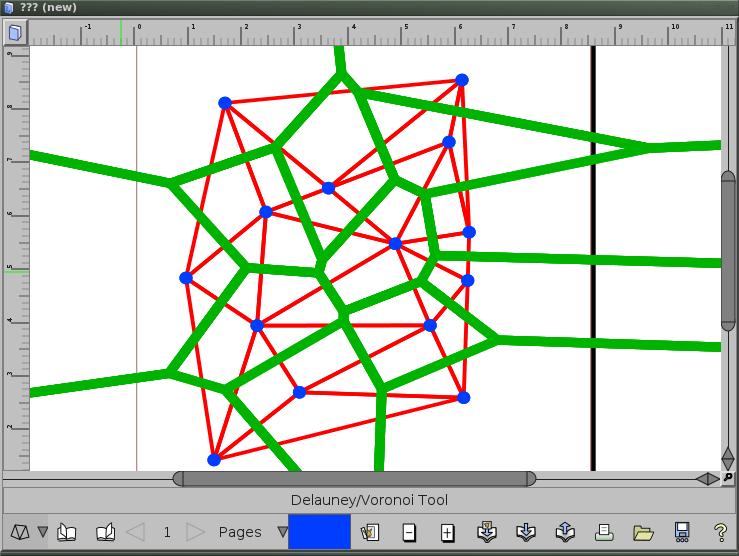
Point set with blue points, red triangles, and green cells.
Voronoi and Delaunay

Paths built from point sets.

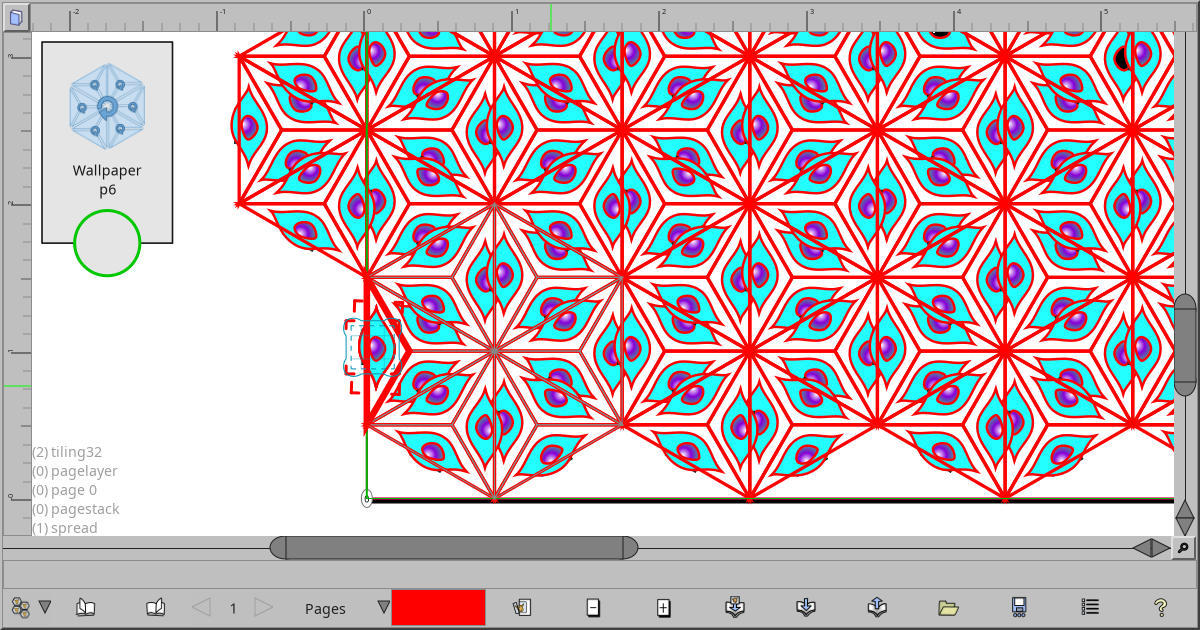
Image of a grid of symmetry patterns to select from.
Clone tiler

Symmetric patterns galore!

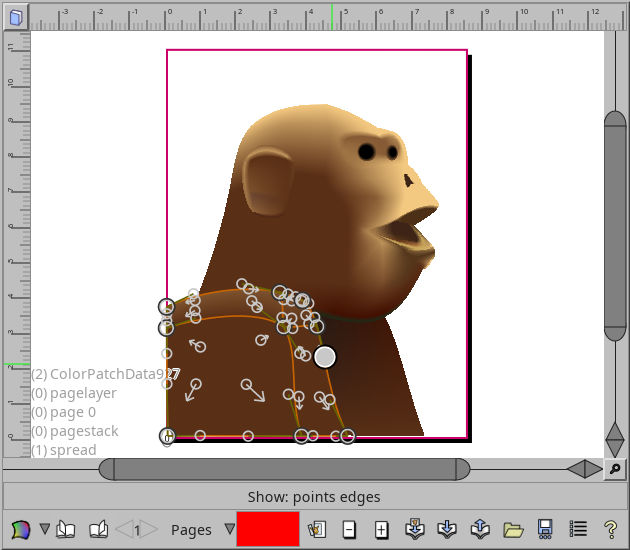
Color mesh of a monkey.
Tensor Meshes

Mesh color and warping for kicks

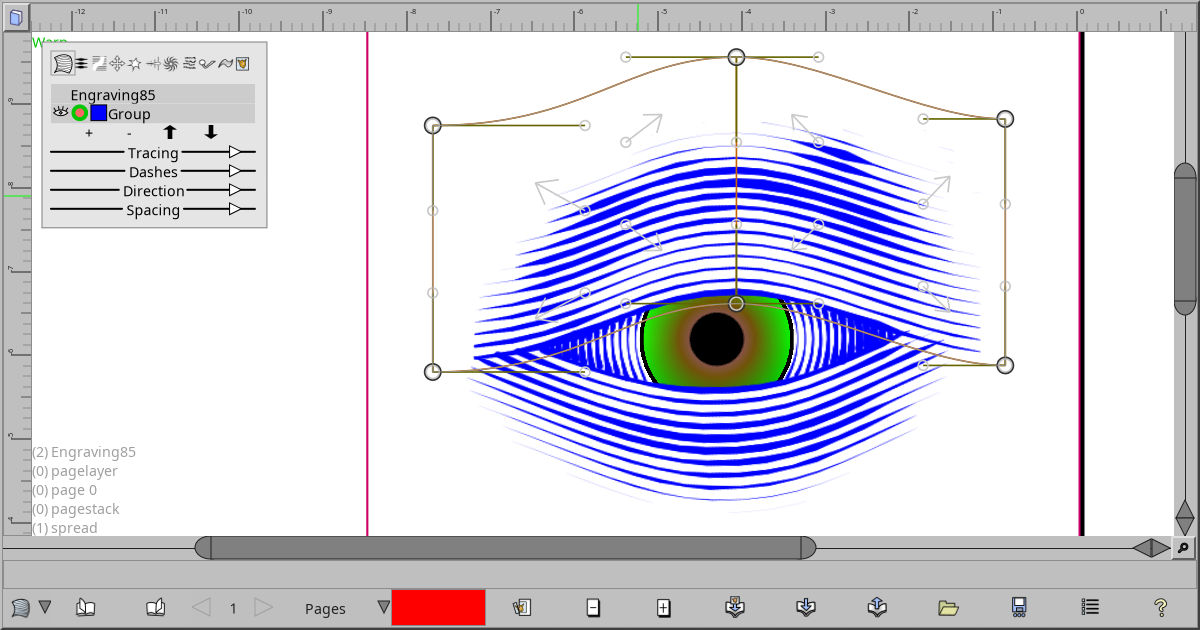
Screenshot showing a roughed out eye with engraving shading
Engraver Fill

Objects to simulate engraving hash lines
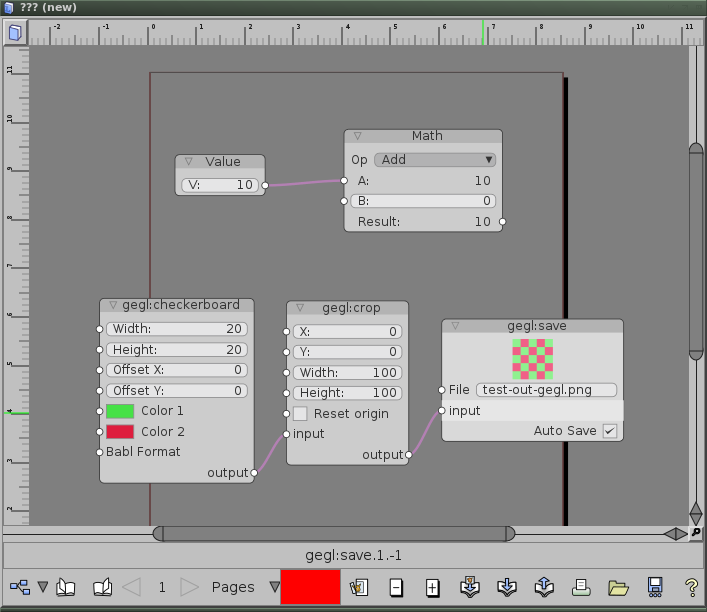
Node tool showing some gegl nodes
Node Tool

Box and string nodes to adjust objects
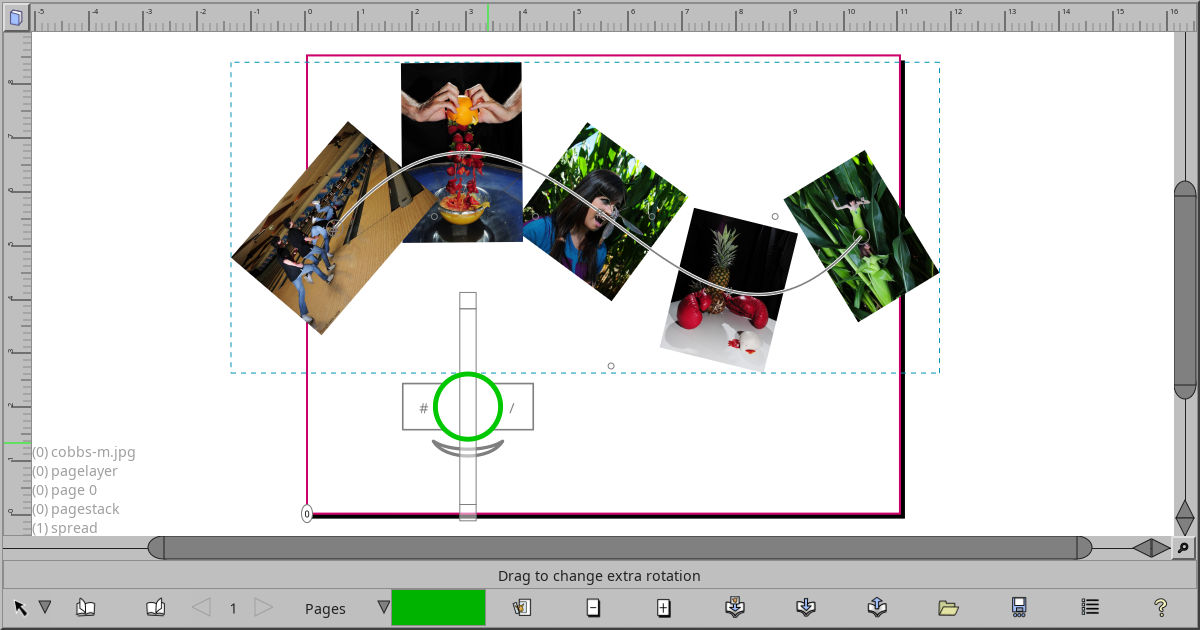
Screenshot of a few images being aligned along a path
Alignment Tool

Align objects to various things

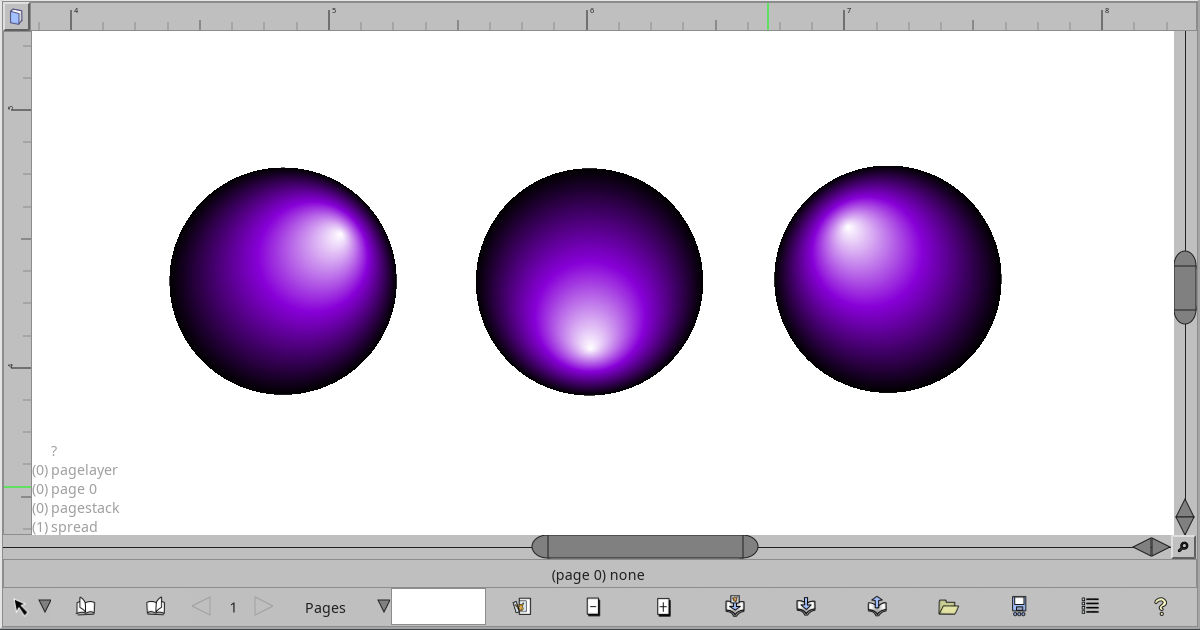
Random screenshot with three purple radial gradients
Miscellaneous

Random other odds and ends.

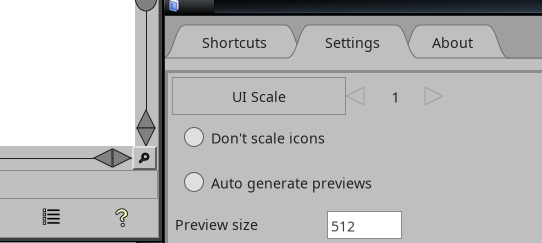
Settings

Behind the scenes configuration


This website licensed under CC BY 4.0 by Tom Lechner