Laidout Features
Here is an overview of the current features of Laidout (version 0.097). Most of these features can be seen in more detail on the Docs page.
You might also be interested in this comparison between various desktop publishing and vector graphics programs, and also the rough Laidout development roadmap.
Impositioning
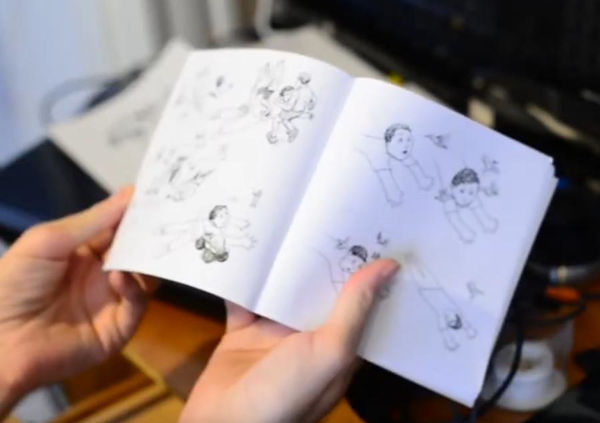
Imposition is the process of arranging pages onto physical paper sheets. These paper sheets might then be cut and folded into books, or a stack of cards, for instance. Laidout has three basic ways of doing this:
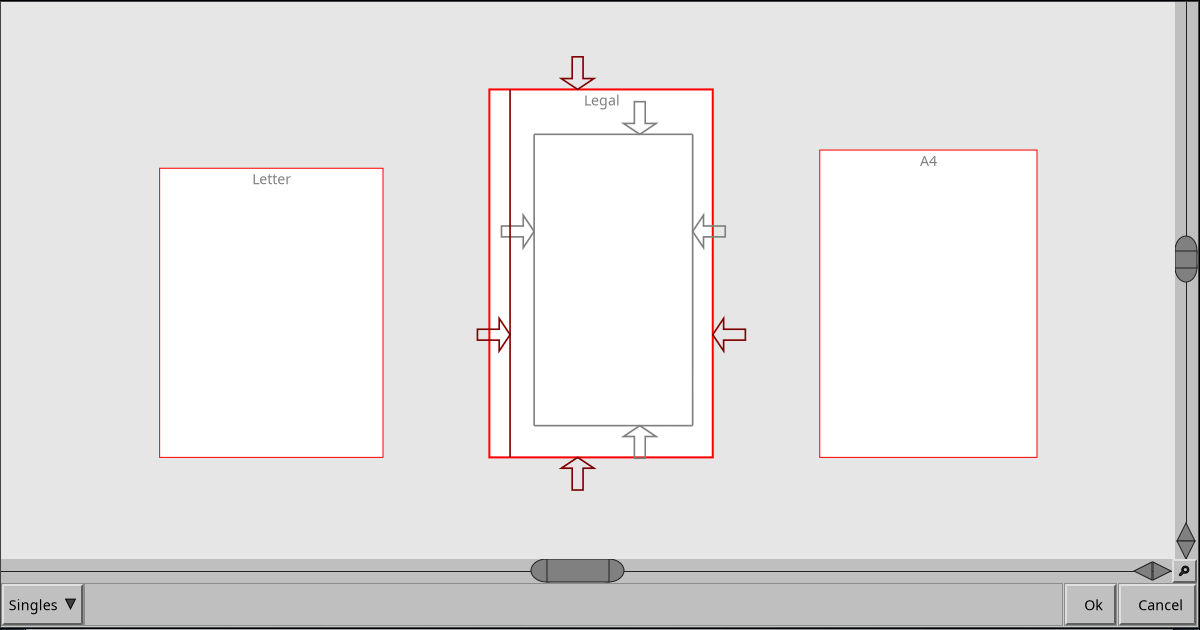
- Singles. A collection of single, isolated pages
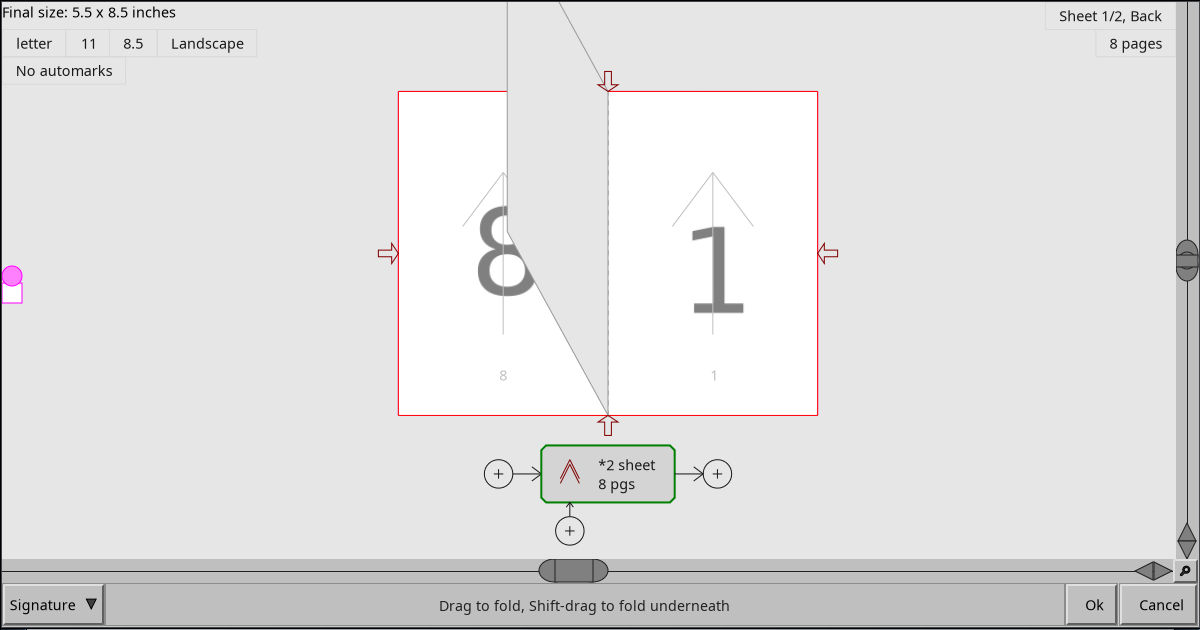
- Signatures. Custom folded book signatures, which can be folded on screen
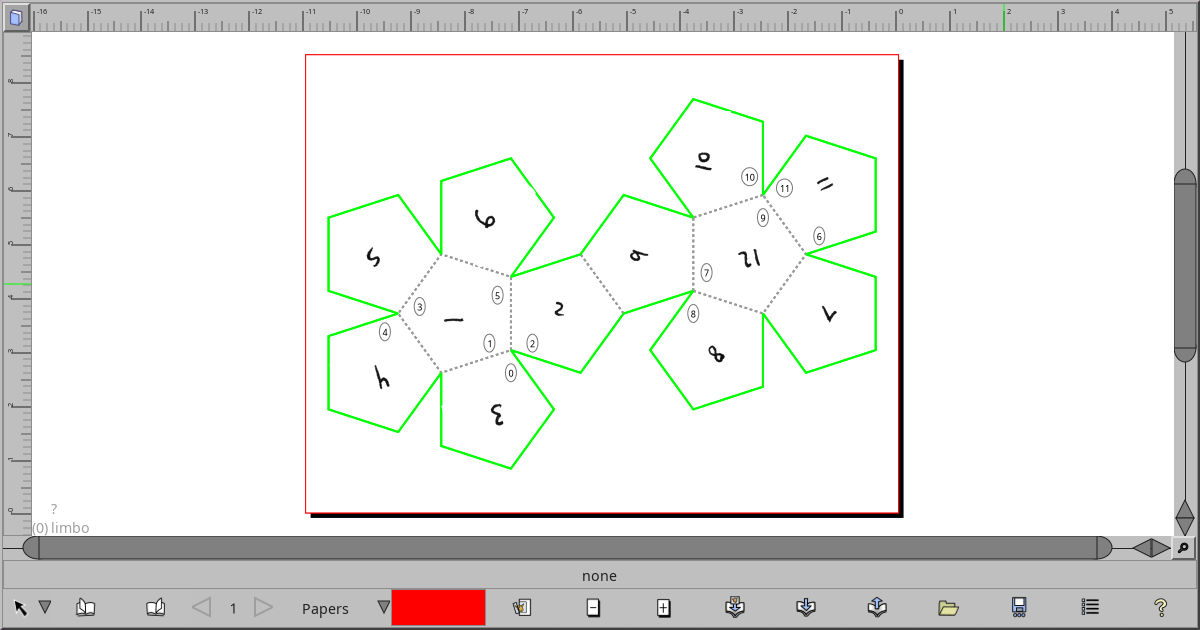
- Nets, such as accordion folds, or from unwrapping polyhedra, for instance a box or a dodecahedron. Note that pages in nets do not have to be rectangular!
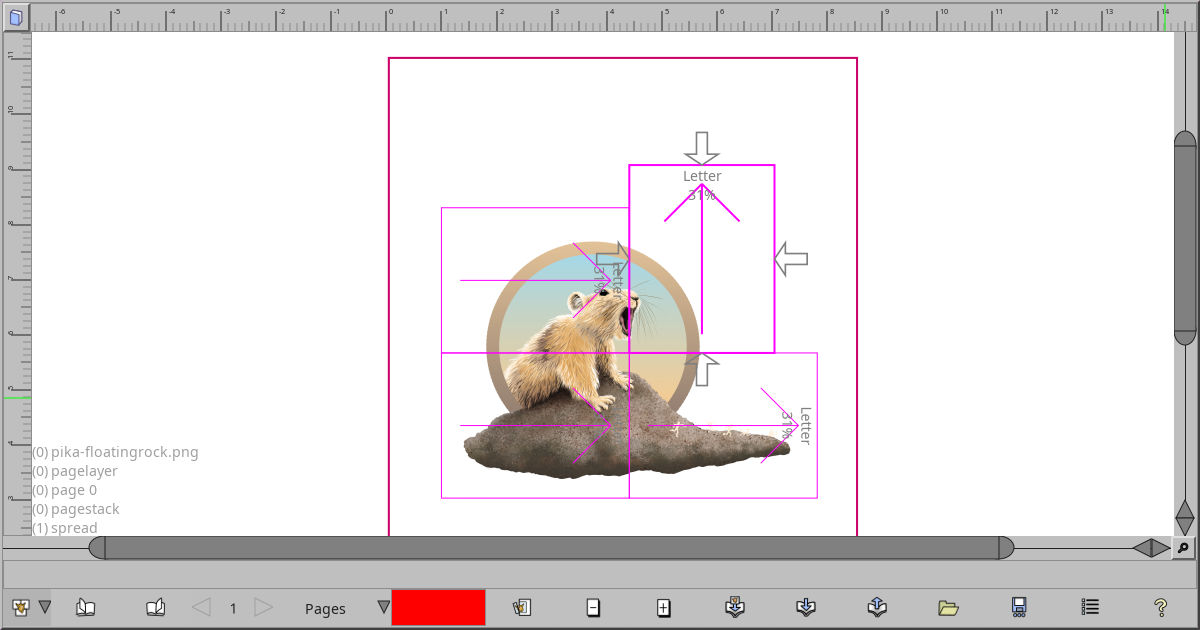
A fourth semi-imposition is using the Paper Group tool to cover anything in the viewport with a temporary arrangement of papers that you can print out. This is very useful for postering when your printer can only print on small papers.
Object Types
- Images
- Linear Gradients
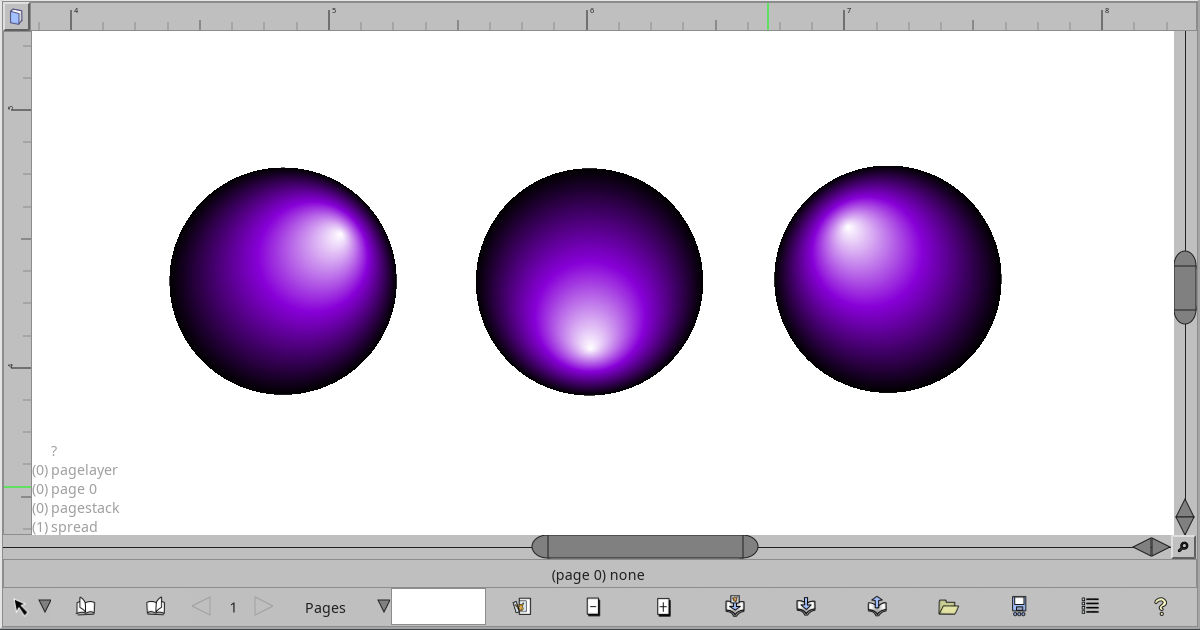
- Radial Gradients
- Paths, with built in variable width
- Ellipses, includes pie slices and an optional inner radius to make rings
- Rounded rectangles
- Point sets which you can view as a Delaunay triangulation or a Voronoi net
- Color meshes using full cubic tensor product patches, as seen in Postscript and PDF
- Warped images, like color patches, but with image for the color
- Engraver fill, twist around fields of lines by distorting a mesh. Change dash patterns, trace images, and more!
- Captions, a kind of primitive text object. Each caption object is an unlinked, unstreamed block of text with one font, size, and color. It can be aligned left, right, center, or anything in between. I’m working on a more full featured streaming text system.
- Text on path
- Mystery data, which is anything imported from other formats, but not necessarily understood by Laidout. You can reposition this data, and it survives, more or less, when you export to the same kind of file.
- Clones of any of the above, including via a Clone Tiler which implements all the wallpaper groups.
Objects can be moved, scaled, rotated, and sheared, by themselves or as a group. There is a special 3-point transform, where you can define an anchored center of rotation and scaling, then drag another point to scale and rotate. Or you can anchor 2 points, and drag the third point to shear the object accordingly.
Nodes
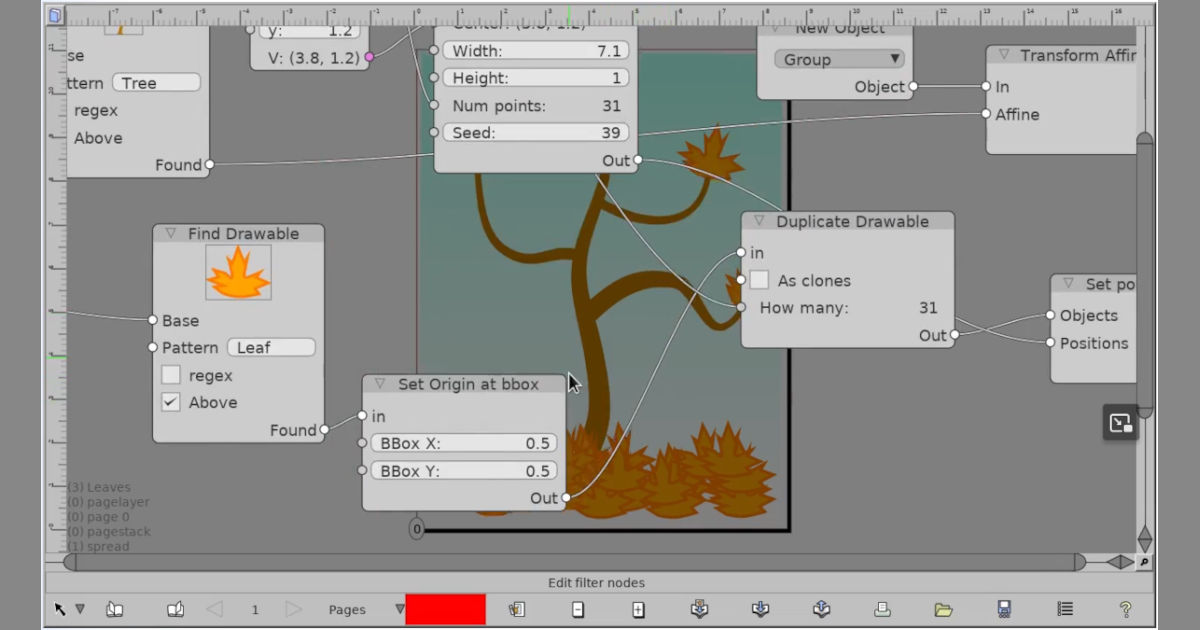
Every object can have a filter, which is a node system that can modify the object. You can also construct a node system not attached to an object to create various things. This is a highly experimental system.
Exporting
You can export everything, or just a range of spreads to a single file or multiple files as is possible for the format. You can also export from the command line, without actually starting up a window. The currently supported export formats are:
- Svg, cannot export image warp objects, has trouble with radial gradients where one circle is not inside the other,
- Scribus, images, groups, and any imported Scribus mystery data only
- Images
- Html gallery, renders one html index page, with one html page per exported spread. This embeds svg into the html, and creates html files via templates.
- Podofoimpose PLAN, mapping files that podofoimpose can use to impose pdf files
- Page Atlas. Render images that contain an n-up of spreads. These might be used for video game textures, for instance.
- Postscript. This exporter is getting a little out of date. When exporting to postscript or eps files, images with transparency will be masked based on 50% threshhold of the alpha channel, since postscript does not have transparency.
Importing
When importing, Laidout tries to remember as much as it can from the original file. This allows you to edit a file in Laidout and then export back out to the same format, and the mystery objects will be passed through. For instance, you can import a Scribus document, reimpose it to a booklet, say, then export back to a Scribus format, even though Laidout cannot (yet) handle text blocks, text wrapping, and clip paths.
- Svg
- Images, including many images at the same time. You may also import animated gifs with the Expand files with multiple images option
- Scribus, with a few severe restrictions. Master pages are converted to normal objects. Images must match their frames, unless imported as pure mystery data.
- OFF, You can import these 3-d polyhedra files to use as the basis for a Net Imposition, but be advised that there can only be 0, 1, or 2 faces per edge.
- PDF, as rendered images with the Expand files with multiple images. Being able to import pdf pages such that it can be exported back out to reimposed pdf is under development.
Interface Windows
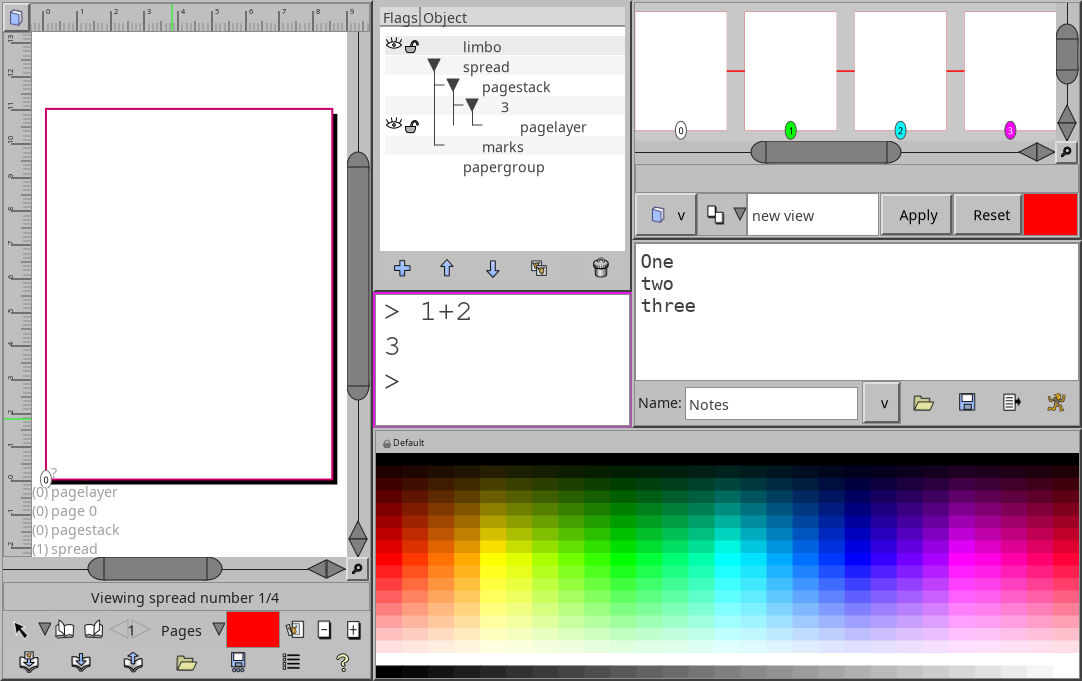
A splittable window system, reminiscent of Blender and the Ion window manager. You can dock, float, move and temporarily maximize the panes of any main split window you have up. The window configuration is also loaded and saved with whatever document you are working on. The panes of each splittable window can be:
- Viewport, for working on contents of pages
- Spread editor, for rearranging the page order
- Imposition editor
- Palette Window. You can import Gimp palettes.
- Command prompt window. Run some commands and use it as a basic calculator. Definitely a work in progress.
- Plain text editor. You can edit a group of commands to run with the built in interpreter.
- Settings window Contains a shortcut editor, and global settings.
Misc
- Simple multiple image import by selecting one or more from a directory
- Import images from a list file
- Page Labels, so you can number like: i, ii, iii, 1, 2, 3, A-1, A-2, etc. Since version .092, there is a gui to edit labels.
- Ability to use preview images as stand-ins for your hundreds of 15M tiffs.
- Batch processing. You can import, reimpose, and export files without opening up a window, by passing commands to Laidout’s interpreter from the command line.
- There’s a command line option (–file-format) which outputs a sort of mockup of the current file format. Hopefully this will help people make extra utilities, and aid batch processing.