

Paper Tiler
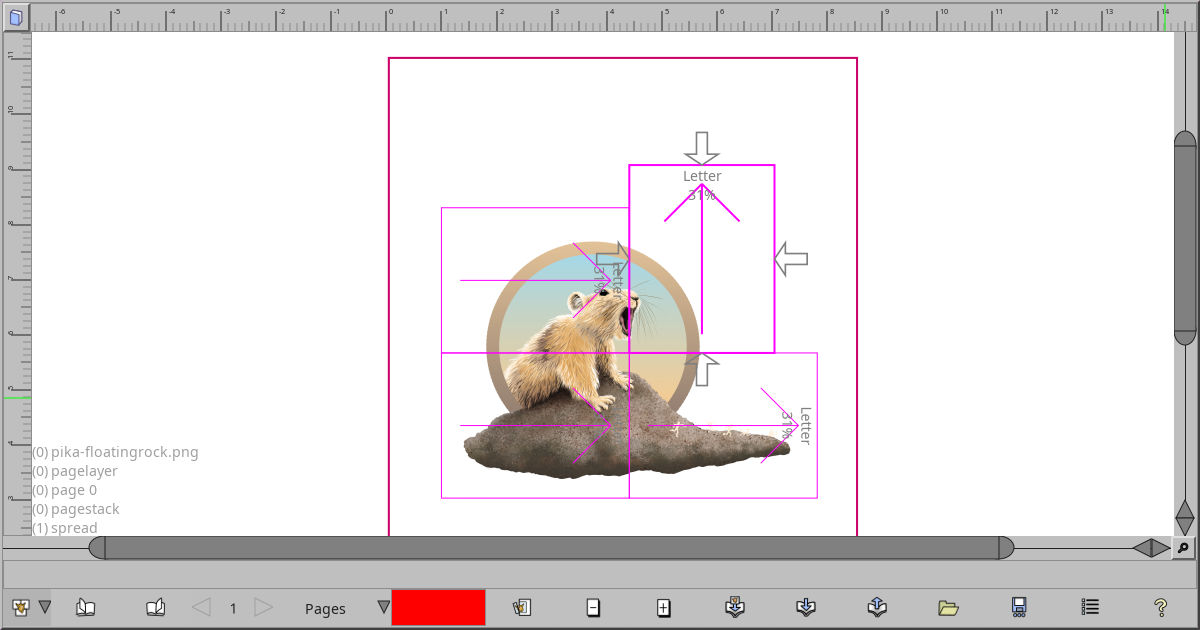
This tool lets you arrange several papers over a single viewport. You would do this, for instance, if you only have a tiny printer, but you want to print out something large. A version of this same interface is also used for the Singles editor.
Hold shift over blank space to preview droppping a new paper, and left-click to actually drop the paper. Once dropped, you can set size and orientation through the right click menu.
- Scaling. Note that if you try to scale papers (control-dragging), and Sync physical sizes is checked, then all papers will be scaled to preserve the same physical scale across all papers.
- Rotation is done with shift-control dragging.
- Margins and trim can be set by enabling their edit in the right click menu, and dragging the arrows around. Click without dragging to enter specific numbers.